

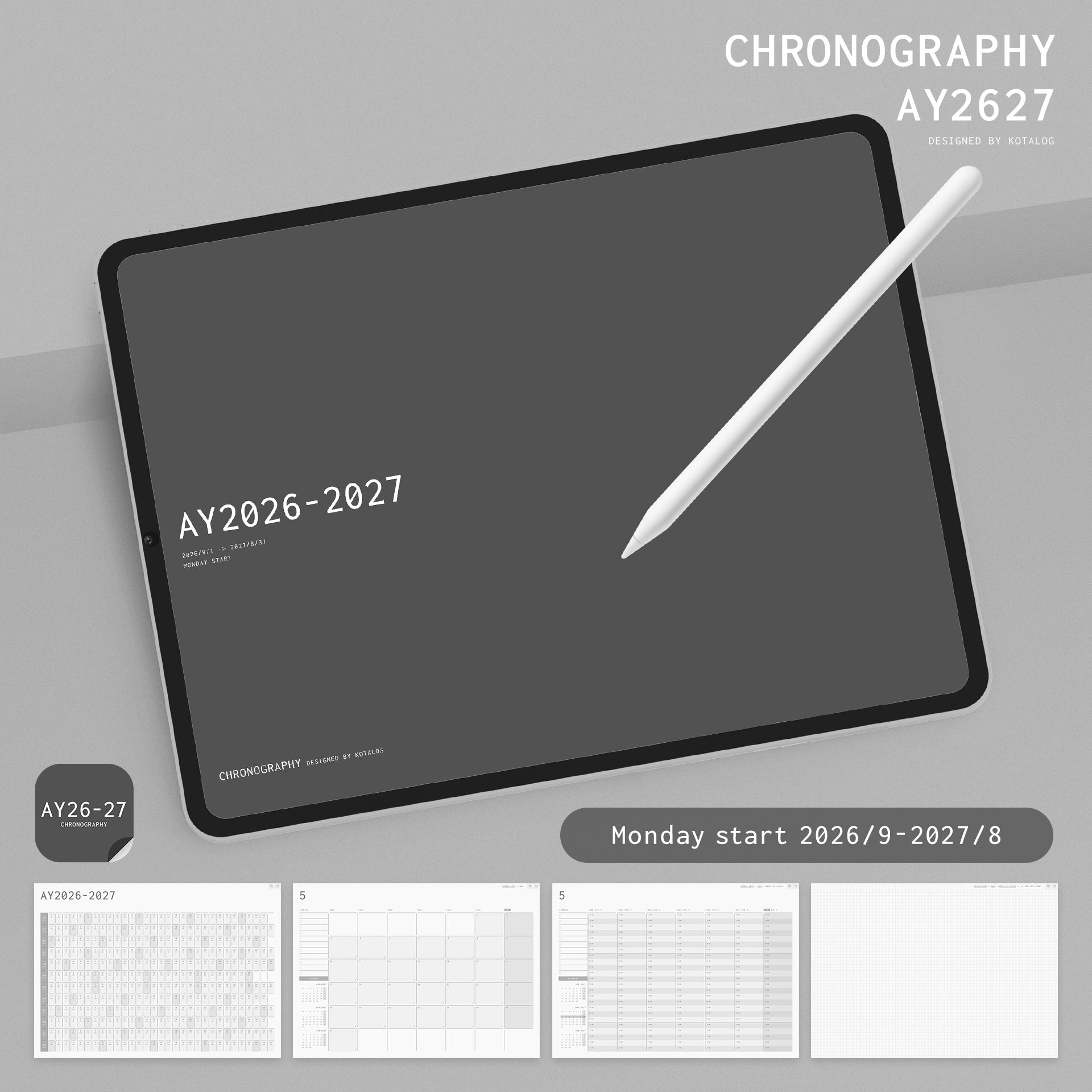
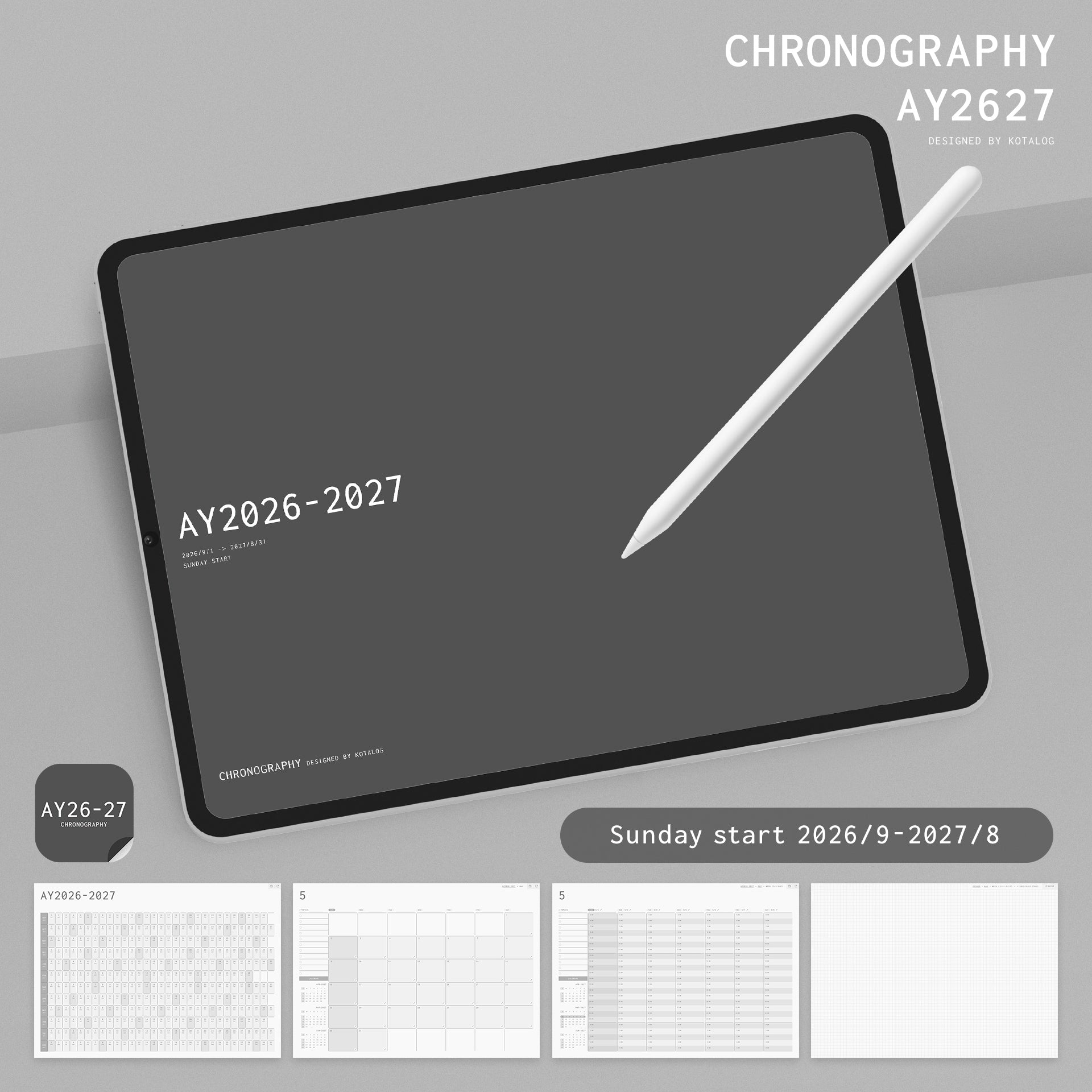
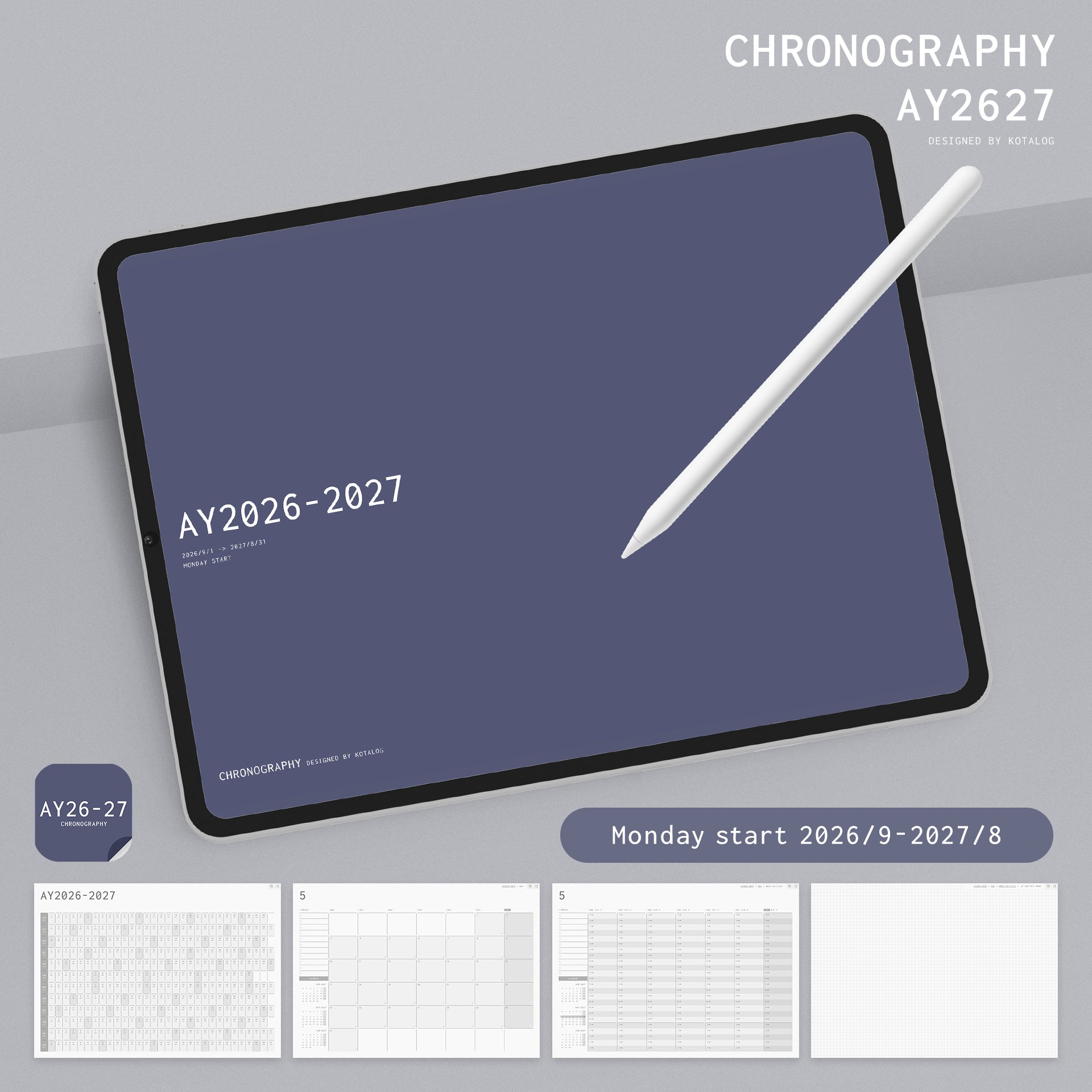
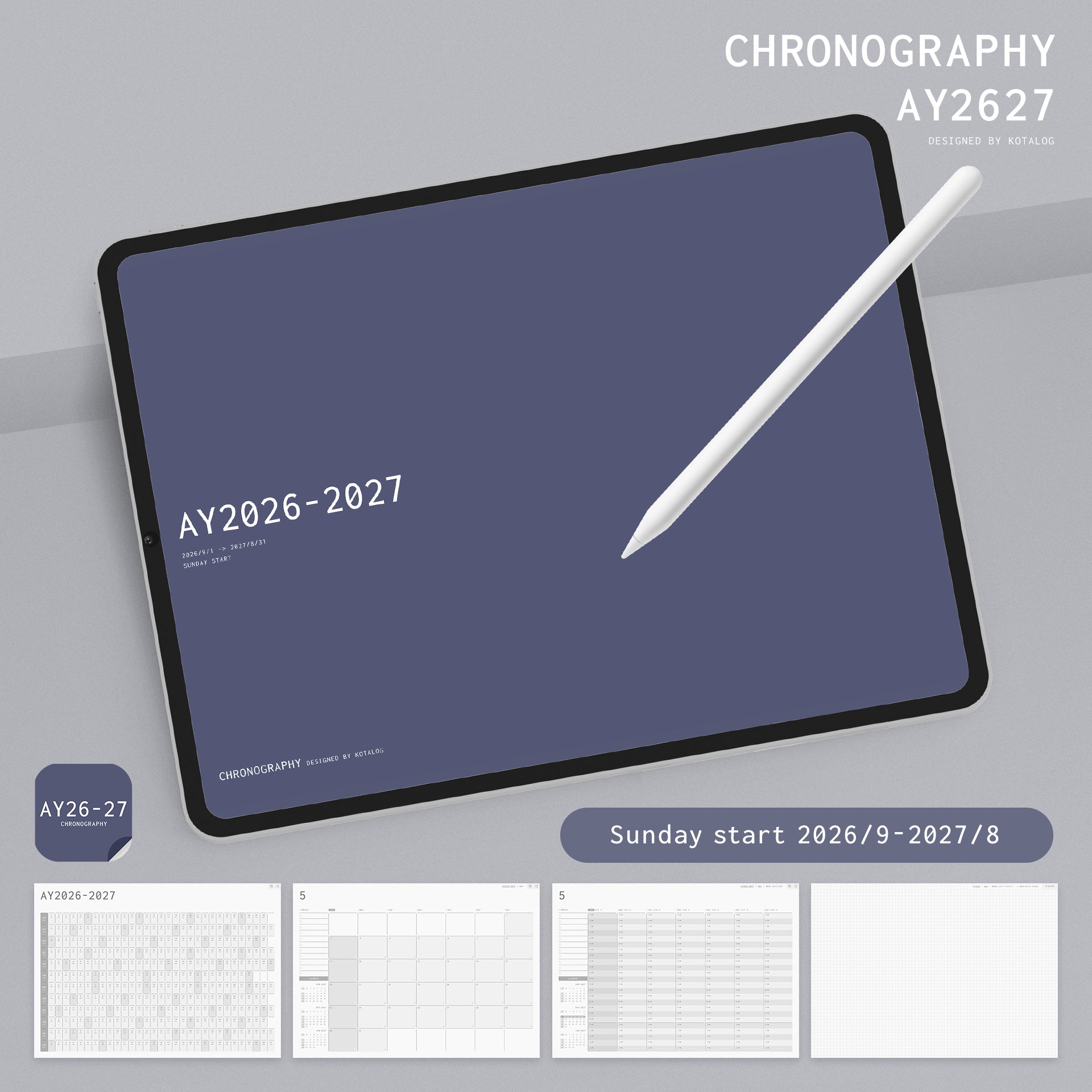
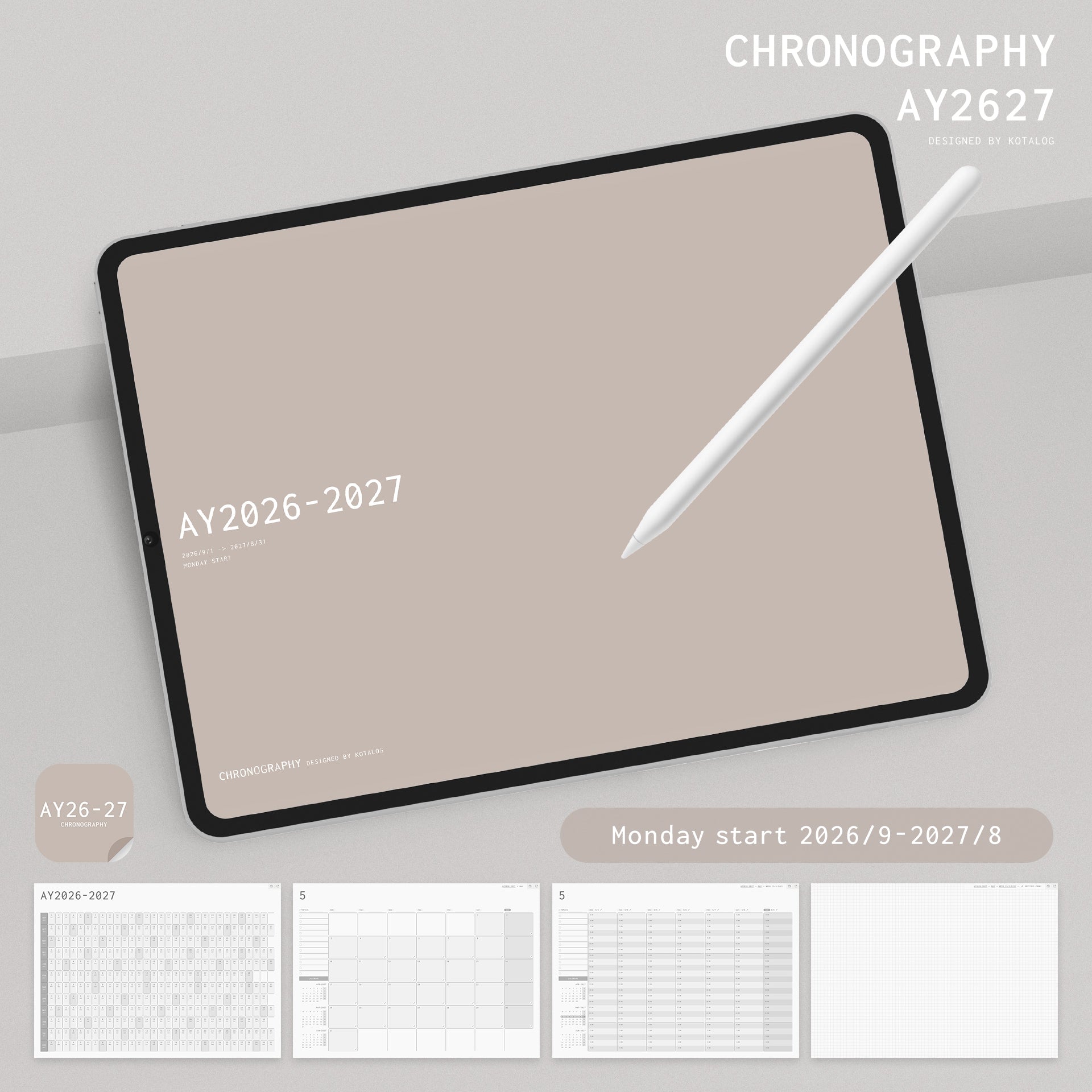
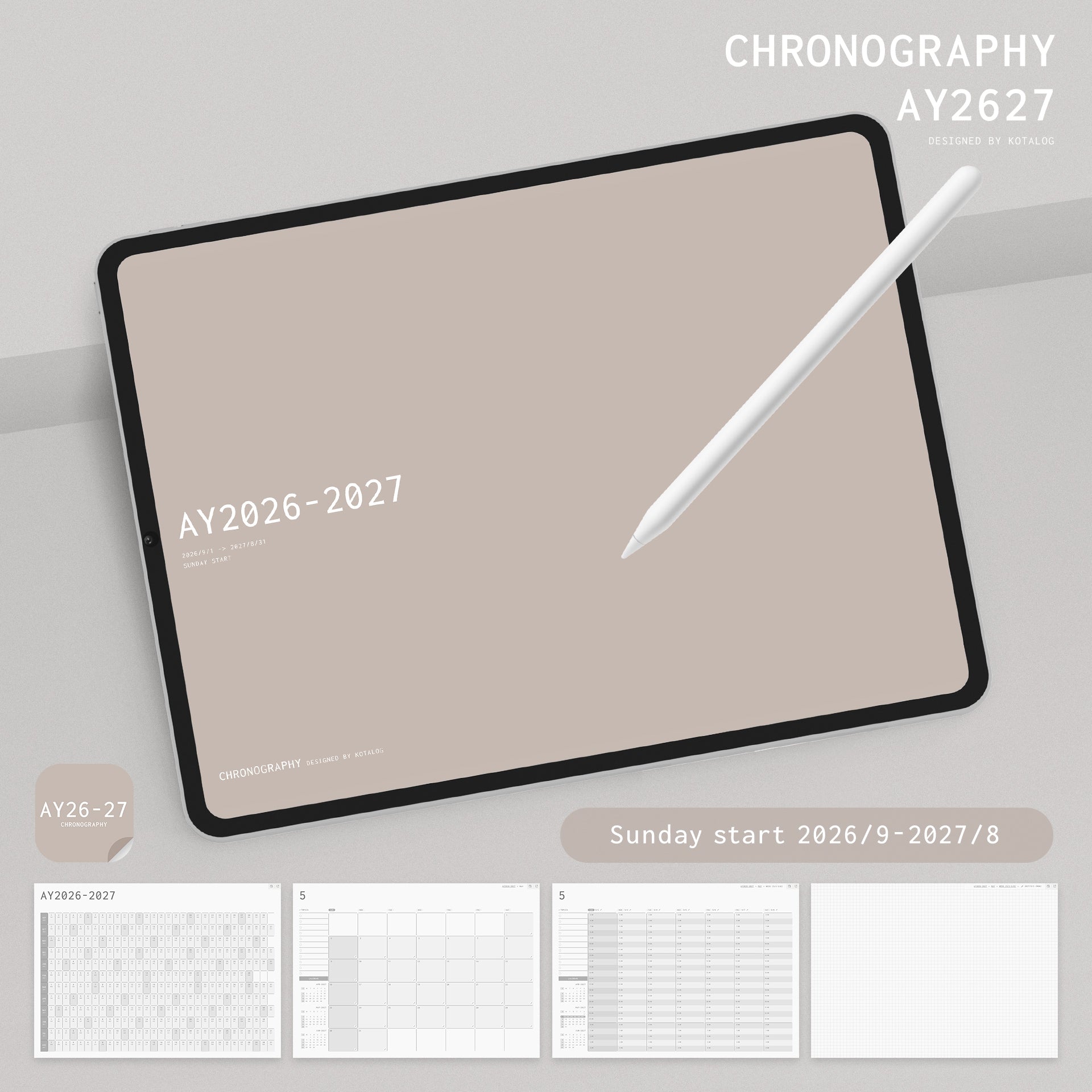
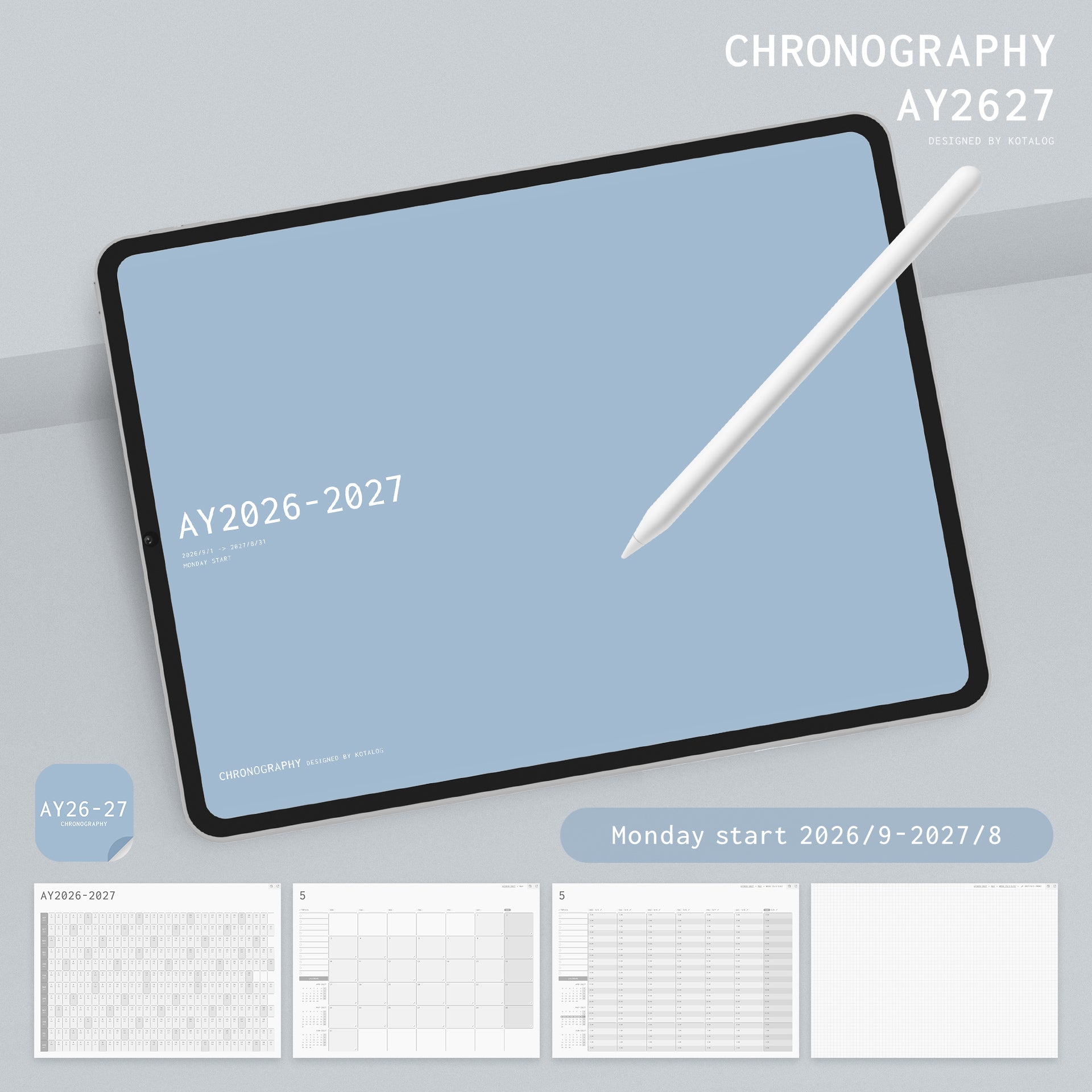
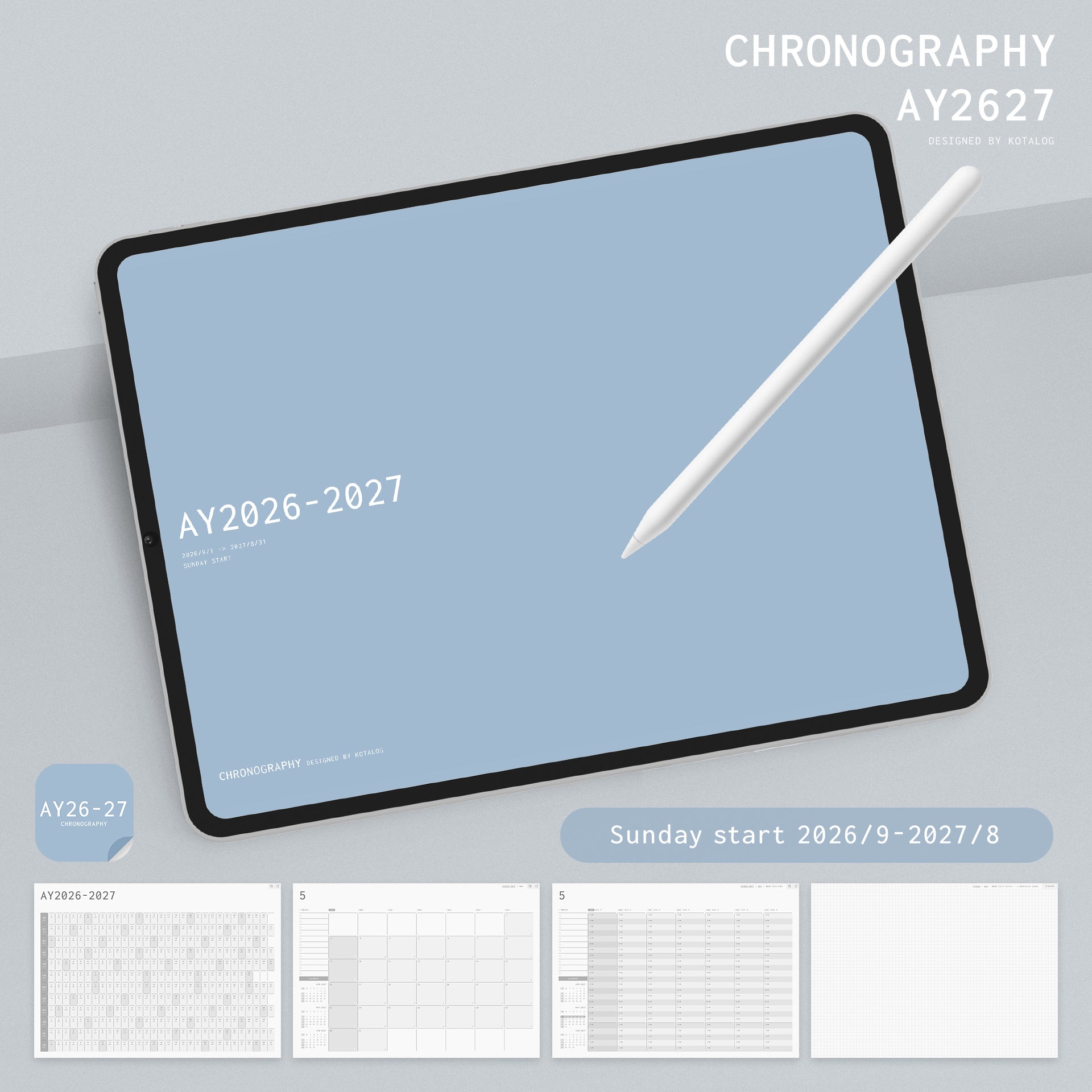
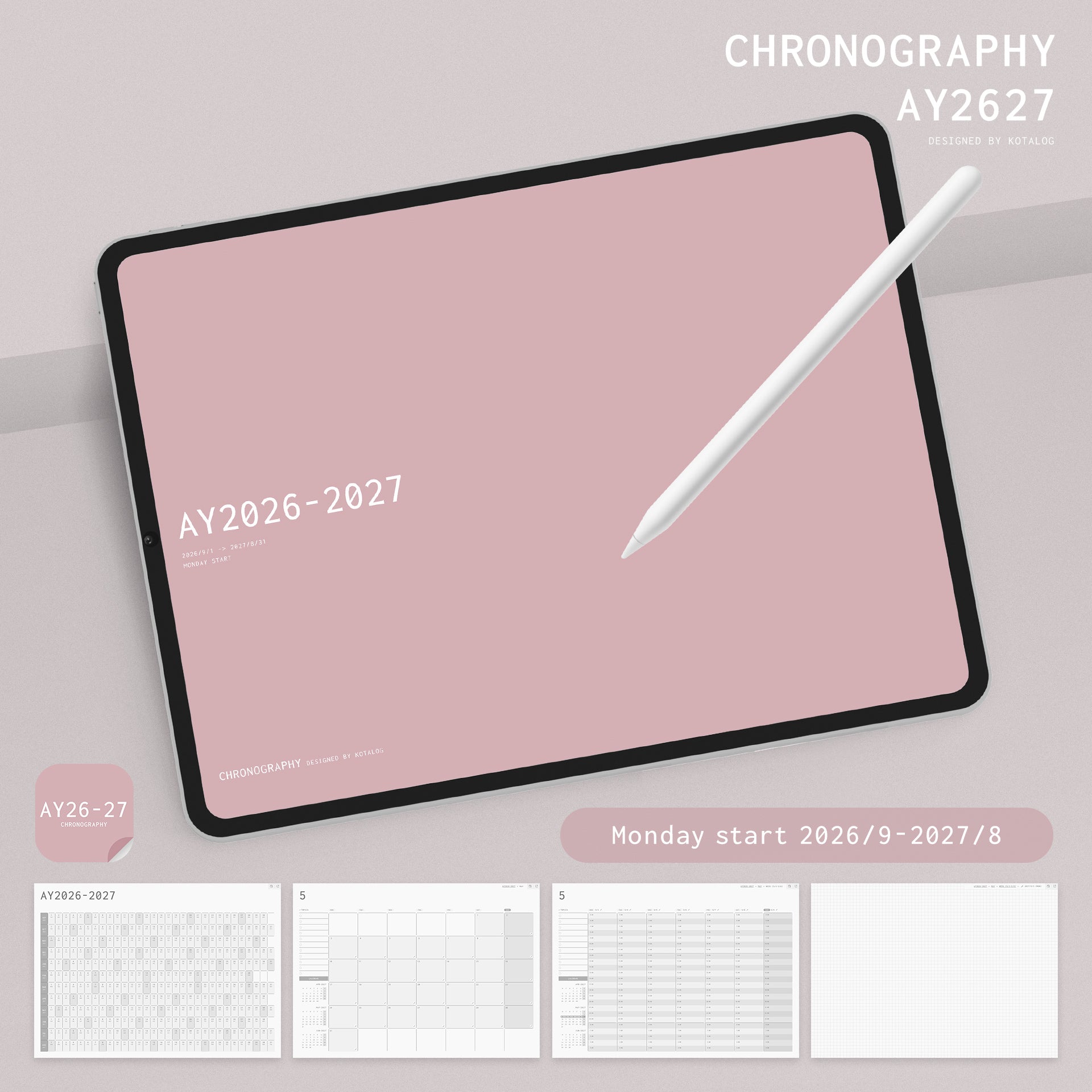
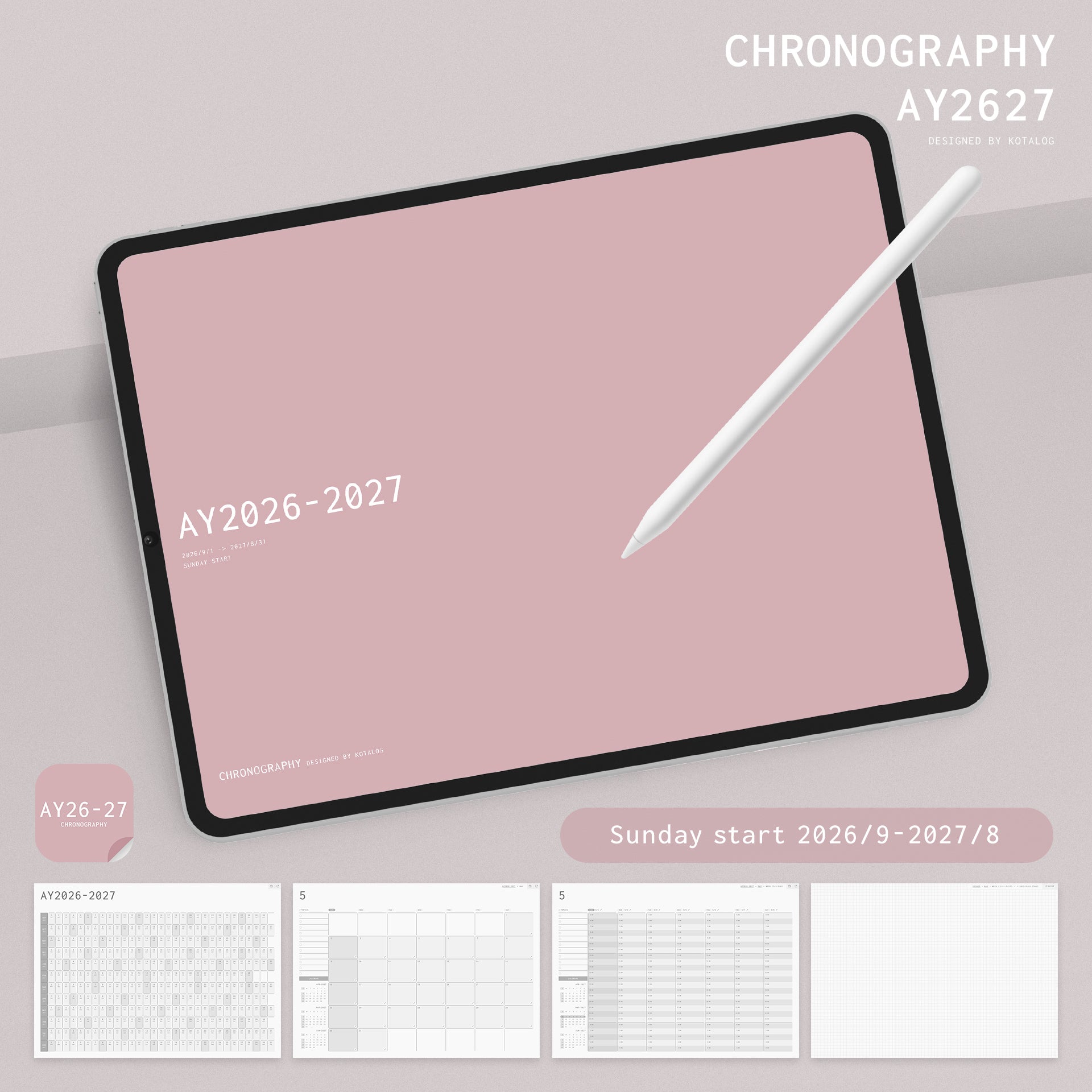
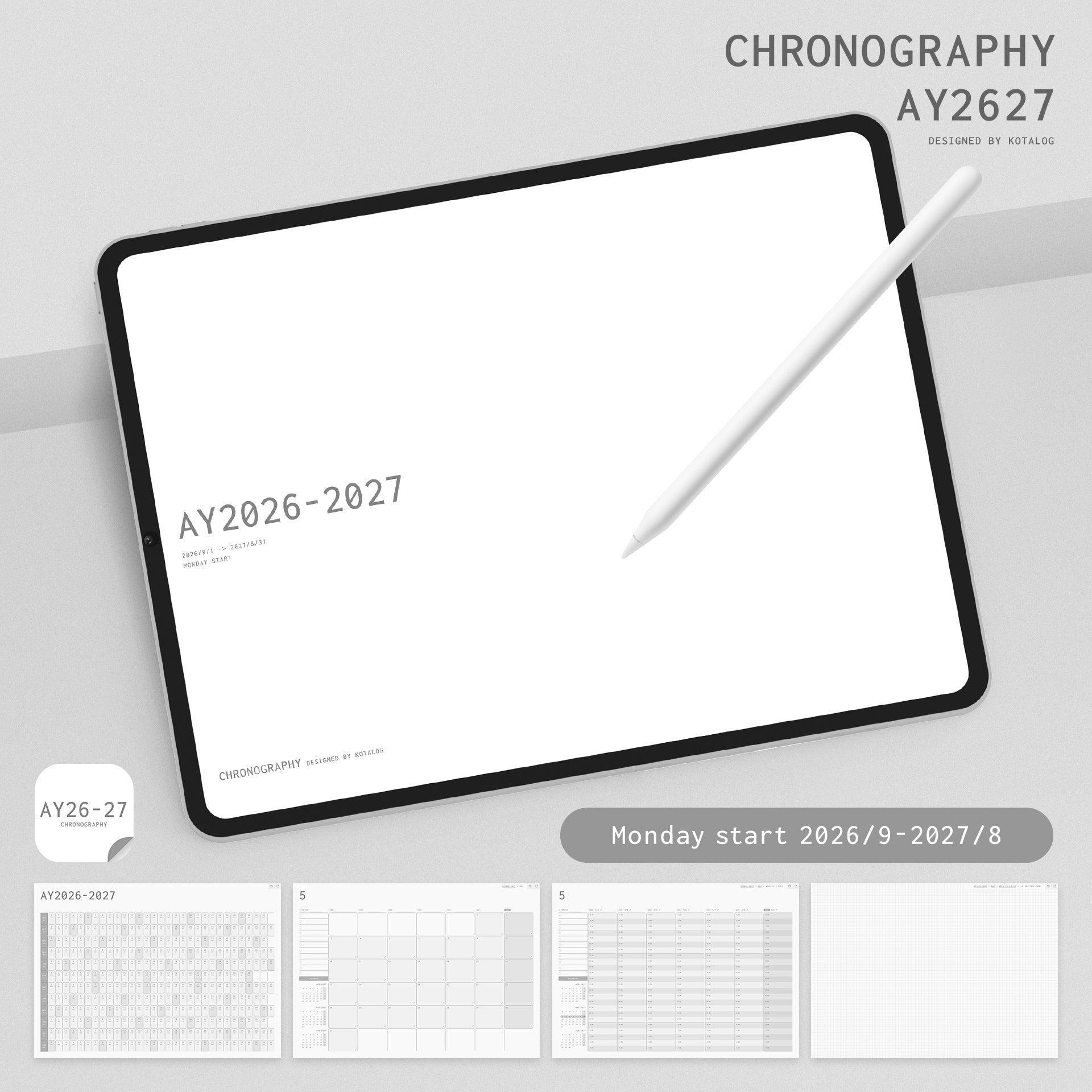
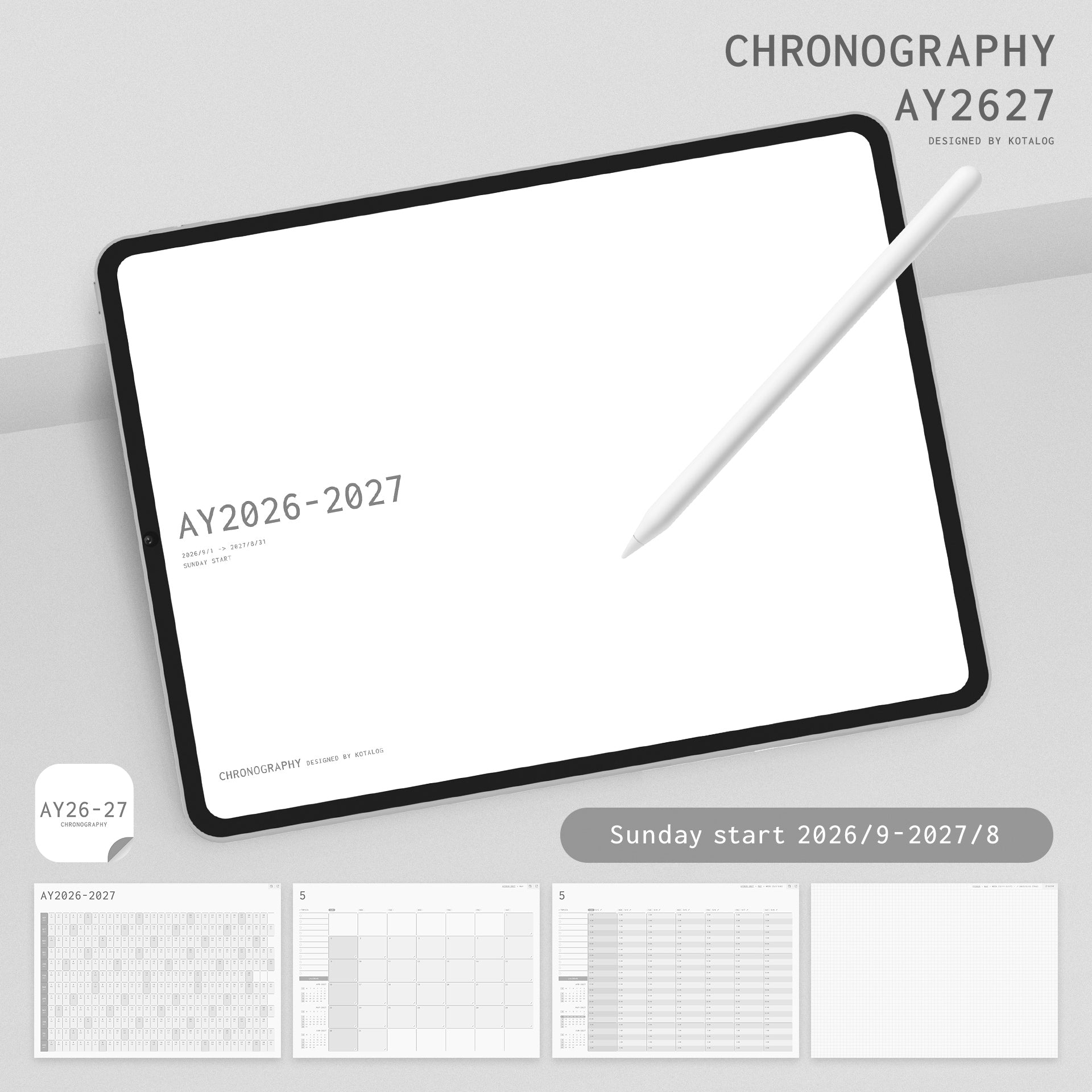
CHRONOGRAPHY AY2026-2027
税込み価格
CHRONOGRAPHY is a hyperlinked digital planner designed to make journaling on your iPad effortless and enjoyable. It helps you write, organize, reflect, and plan with ease, so you can stay focused on your ideas instead of navigating your notebook.
Simply import it into your favorite note-taking app, such as Goodnotes, and start planning right away.
Academic Year (AY) Edition
This planner follows the 2026–2027 Academic Year, covering September 2026 through August 2027.
Designed to match the September-start academic calendar used by many schools and universities around the world, it's ideal for students, educators, and anyone who prefers to start a new planner in the fall instead of January.
- Academic Year: September 2026 – August 2027
- Holidays: No holidays included
- Daily Pages: One page per day
- 24-Hour Timeline: 5:00 AM – 4:00 AM (next day)
- Yearly Gantt Chart Calendar
- Hyperlinked Navigation for quick and easy access
- File Format: PDF
- Total Pages: 432 pages
- File Size: Approximately 18 MB
Important Notes
- Goodnotes Free is not supported. A paid version of Goodnotes is required to use this planner.
- This product is for personal use only. Copying, modifying, reproducing, redistributing, sharing, reselling, or distributing printed copies of this product, in whole or in part, is strictly prohibited.
- Due to the nature of digital products, all sales are final. Returns, refunds, and exchanges are not accepted after purchase.
- While every effort has been made to ensure compatibility, the creator is not responsible for any damage, data loss, or software/hardware issues that may result from the use of this product.
オプションを選択
Designed to Make Writing
Time More Meaningful
Writing should feel effortless — a moment where your thoughts naturally begin to flow.
CHRONOGRAPHY is a name created by combining “Chronos” (time) and “Graphy” (writing and recording).
It is a professional digital planner designed to help you organize your thoughts,
capture ideas, and shape your future through the simple act of writing.
Whether for work, learning, or personal growth, CHRONOGRAPHY seamlessly
supports the process of thinking, planning, and learning.
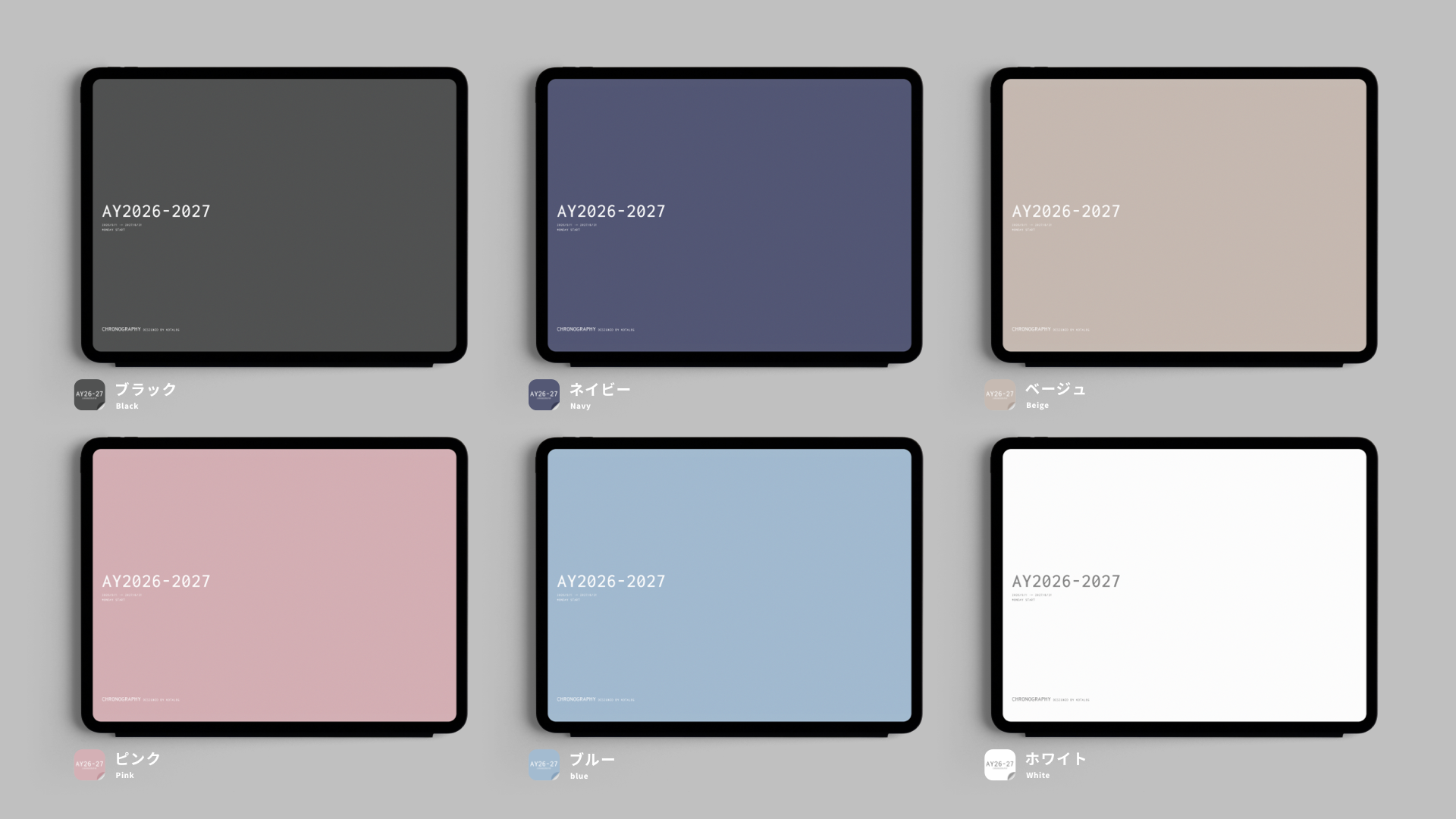
Six Colors Designed for Work and Learning
Available in six carefully selected colors: Black, Navy, Beige, Blue, Pink, and White.
Each color is thoughtfully designed to create a calm and sophisticated atmosphere, making it comfortable to use in both professional and educational environments.
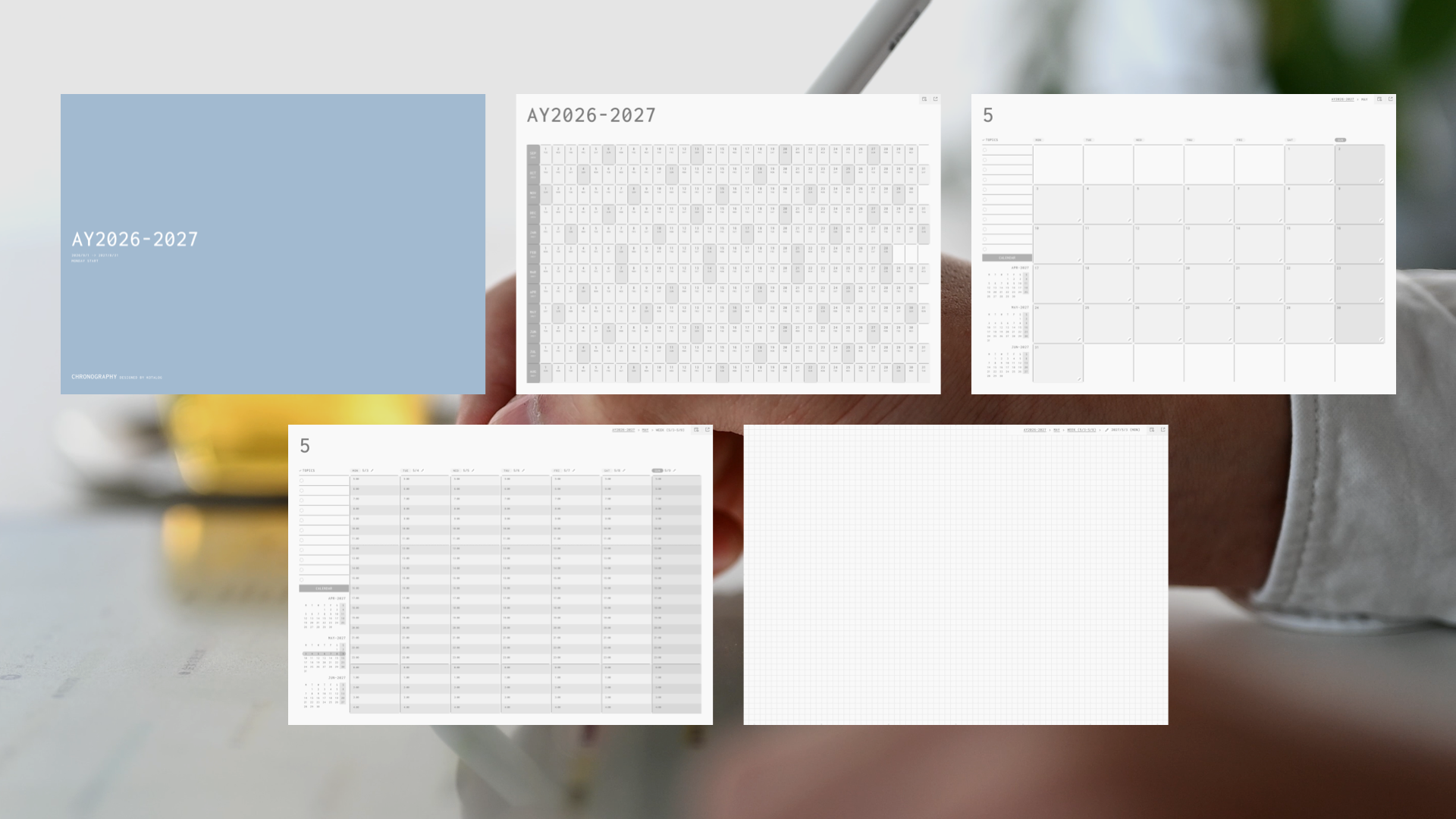
Thoughtfully Designed Pages for Organized Thinking
From yearly overviews to monthly plans, weekly schedules, and daily notes, every page has a clear purpose.
Each section is thoughtfully designed to support different stages of your workflow — thinking, planning, and reflecting.
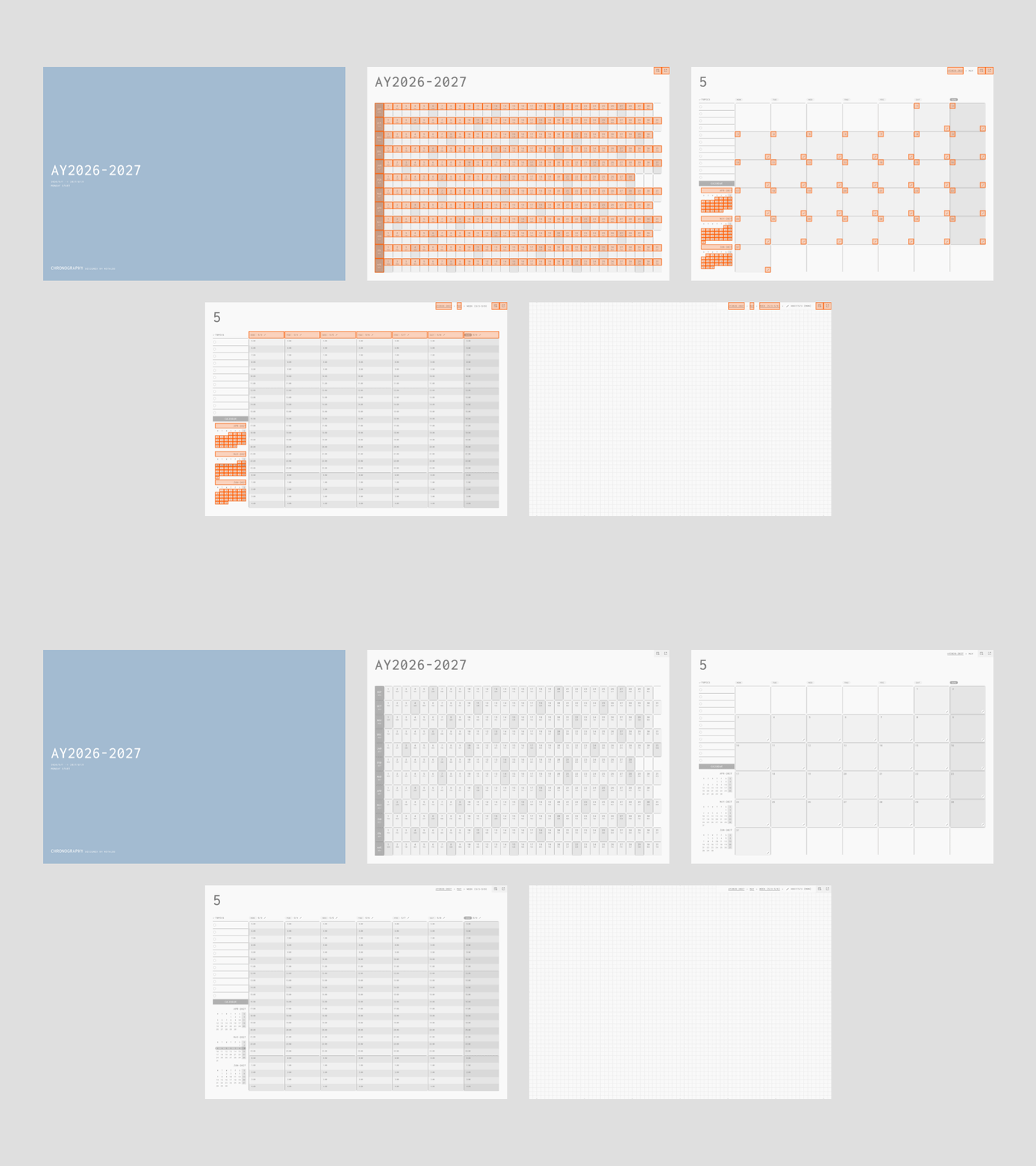
A Hyperlinked Structure Connecting Year, Month, Week, and Day
With more than 3,500 internal hyperlinks, navigating your planner is effortless.
Move smoothly between schedules and notes without losing your focus. CHRONOGRAPHY reduces the time spent searching and gives you more time to think, create, and take action.
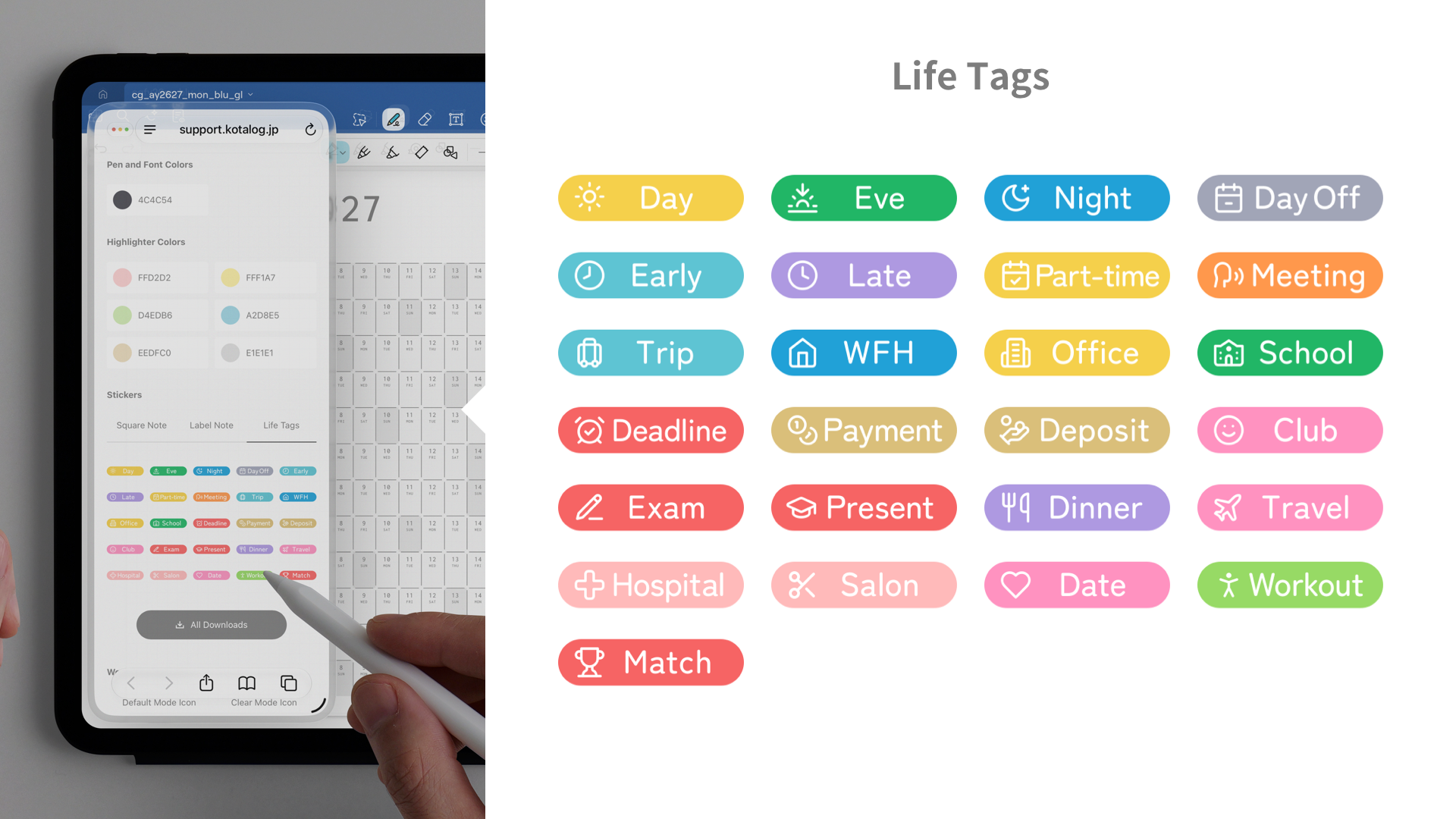
Make Every Writing Moment More Enjoyable
The guide pages include playful stickers designed to make daily planning easier and more enjoyable.
From writing and organizing to reviewing your thoughts, every step is designed to feel natural and inspiring.
A recommended color guide is also included, allowing you to copy color codes with a single tap and effortlessly create a consistent visual style.
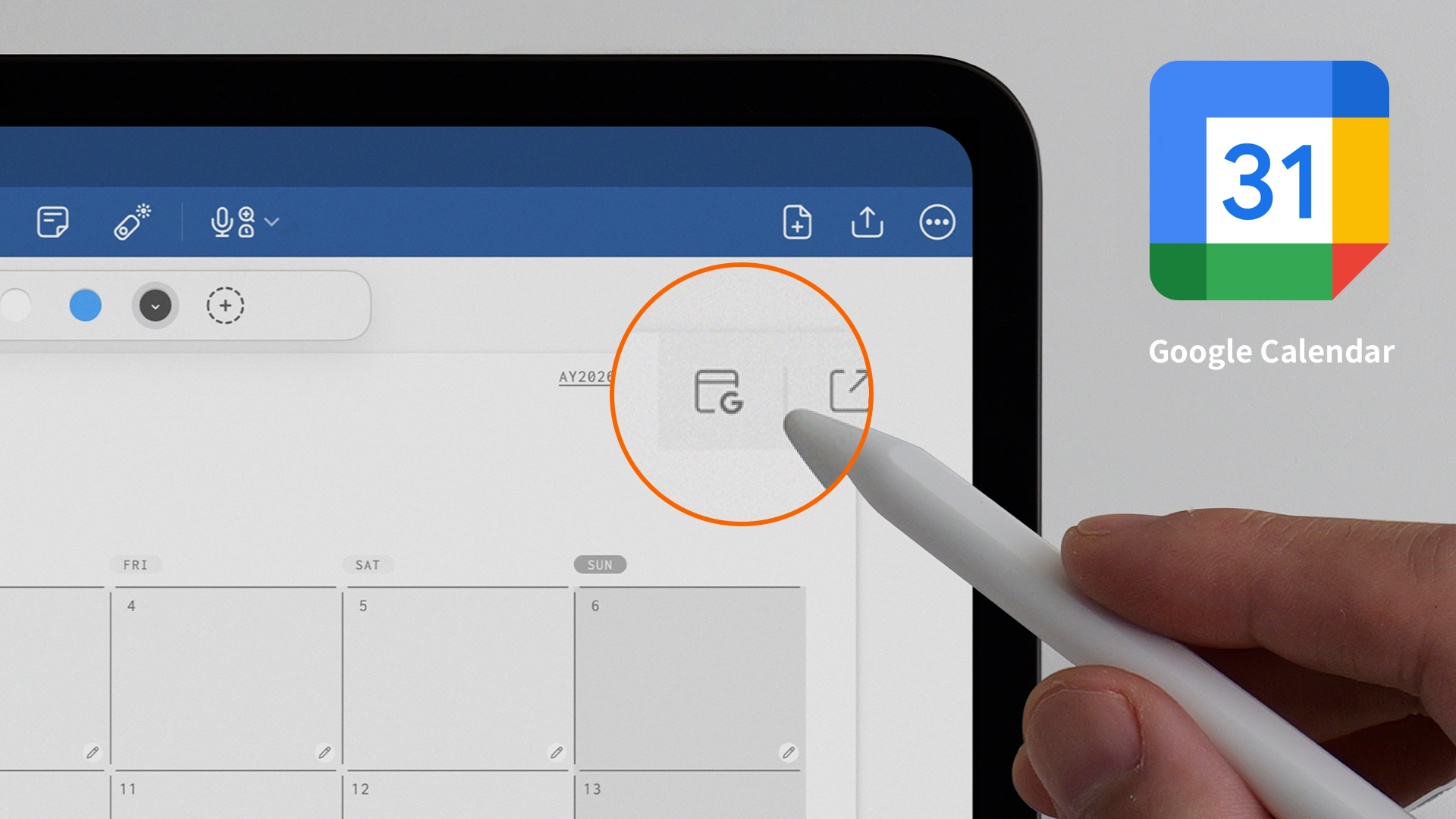
Seamlessly Connected with Google Calendar
Each template page includes a link to the corresponding Google Calendar view.
Open Google Calendar alongside your planner to easily manage entries, schedules, and notifications.
A balanced connection between mindful writing and digital organization — CHRONOGRAPHY helps both work together naturally.
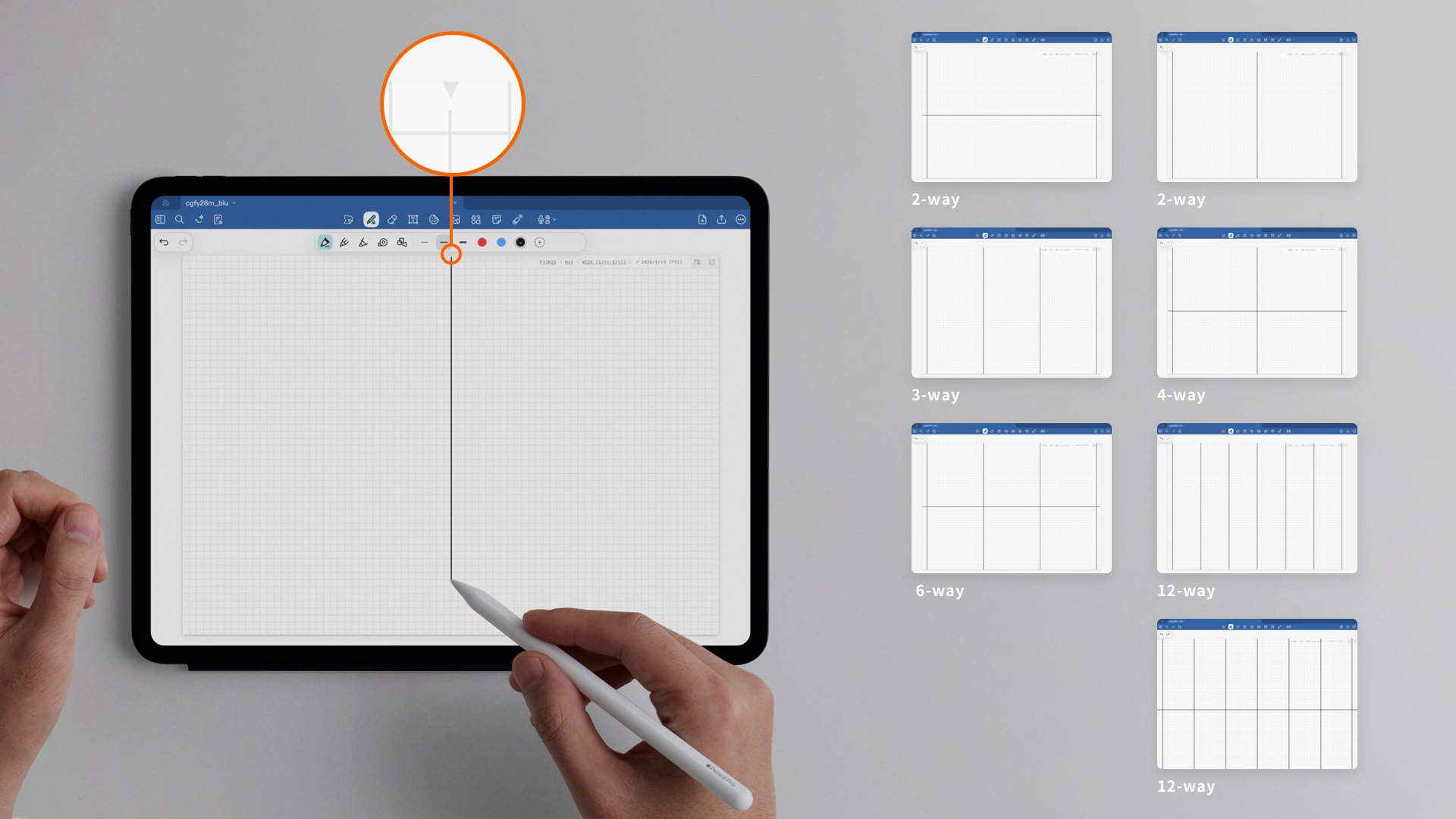
Daily Notes with Flexible Layout Guides
Each daily note page is date-linked and designed with a grid layout, making it easy to write both text and diagrams while staying focused.
Triangle guide marks are placed around the edges of the page, allowing you to divide your notes into 2, 3, 4, 6, or 12 sections simply by connecting the lines.
Create the layout that fits your workflow — whether you are taking notes, organizing ideas, sketching, or planning.