


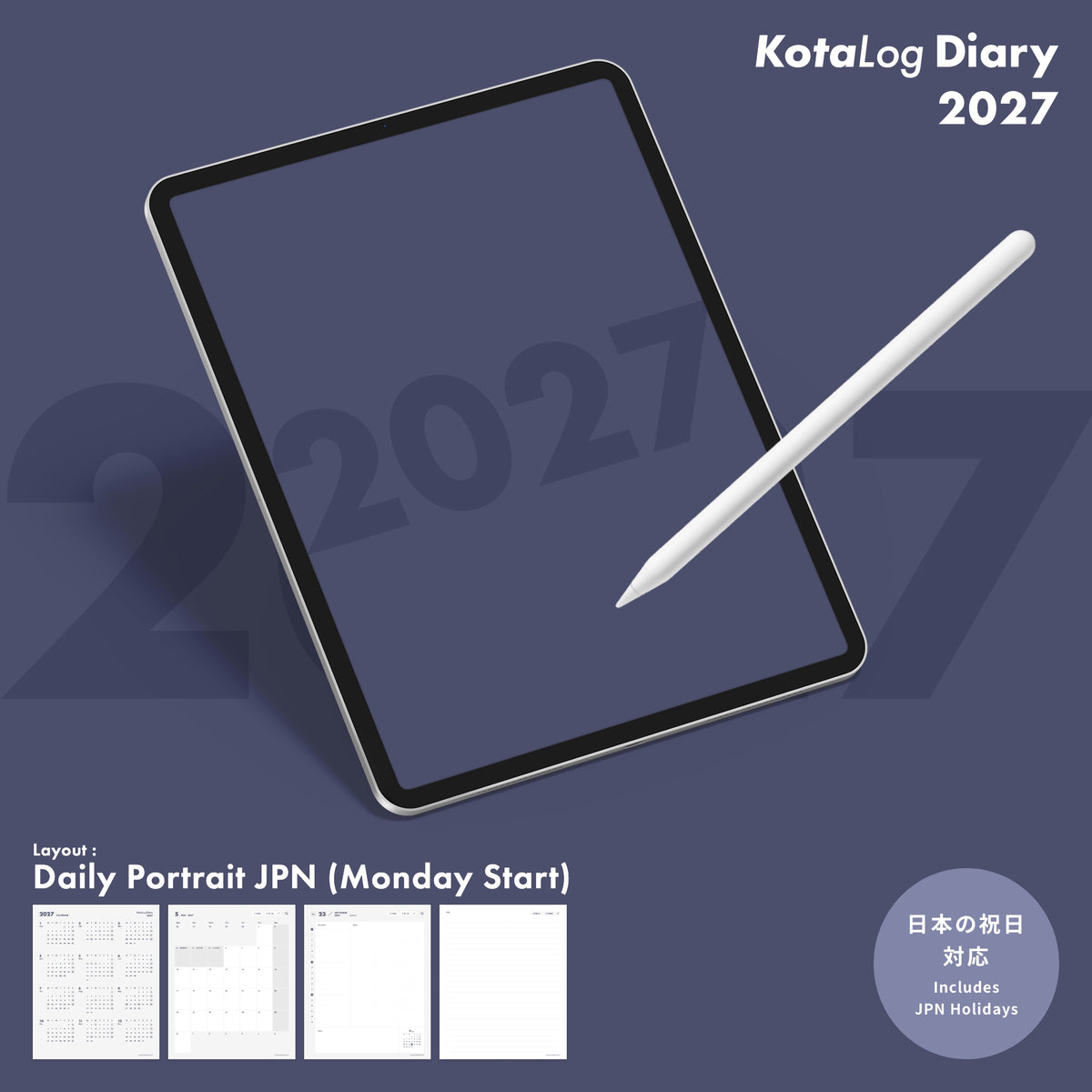


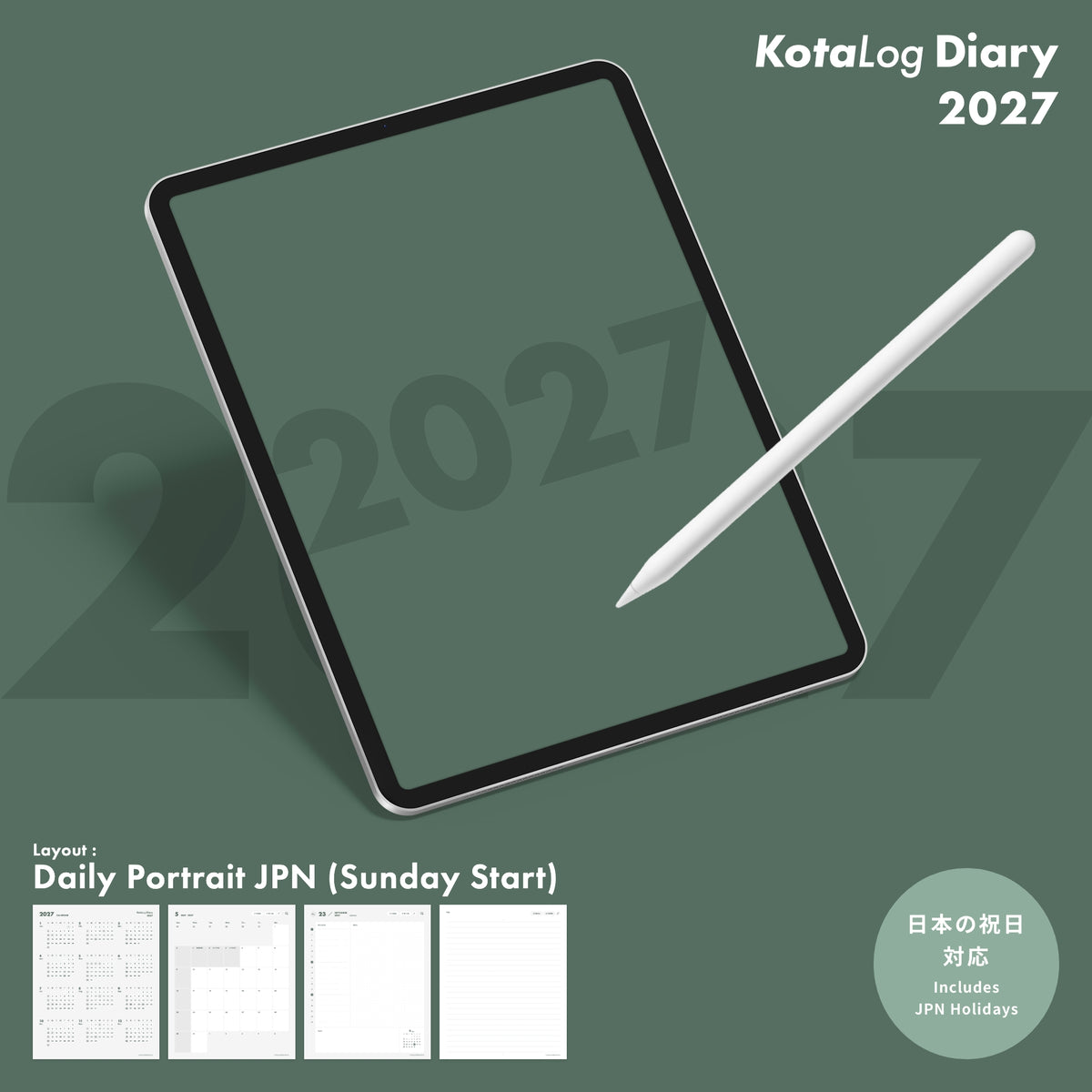


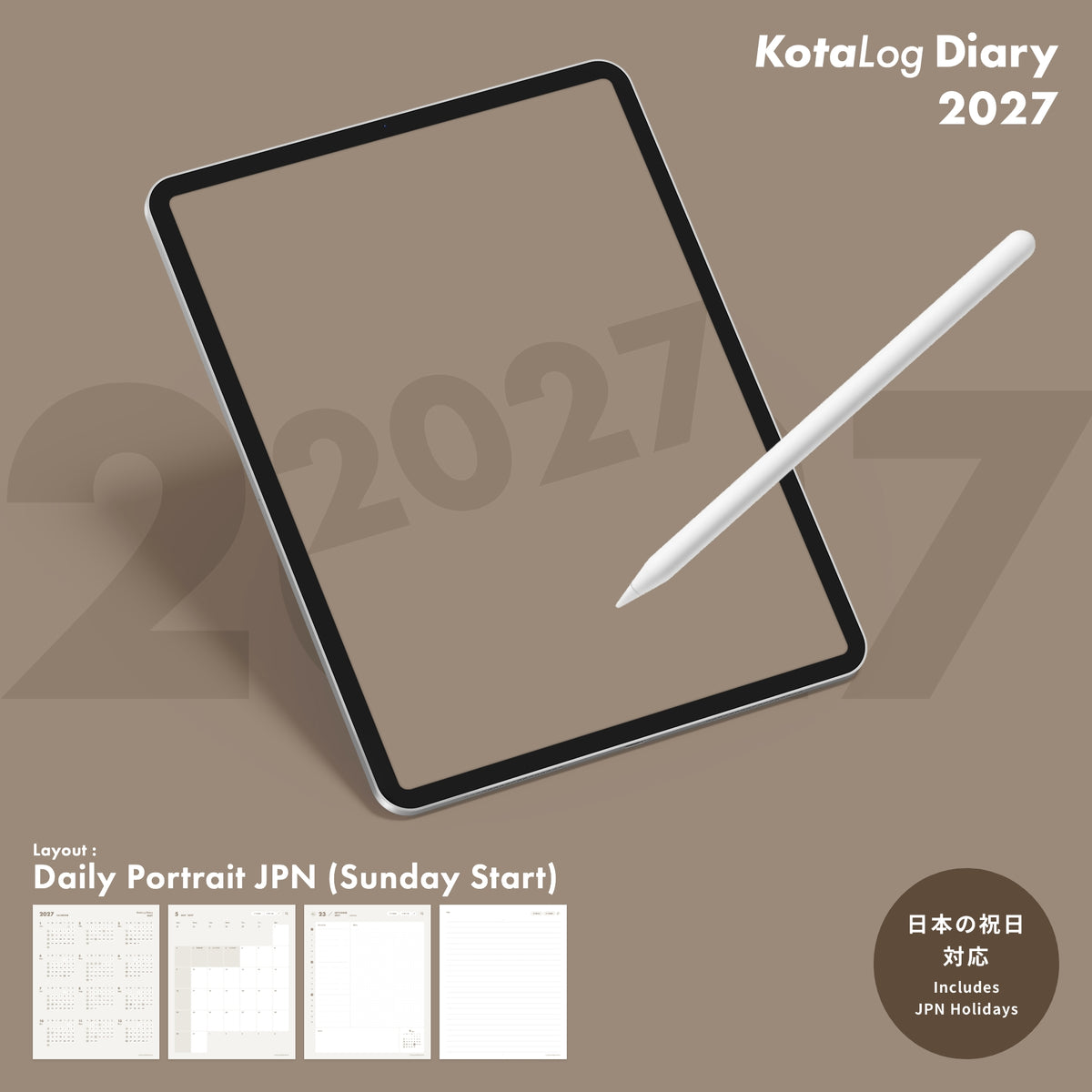



KotaLog Diary 2027 Daily Por.JPN (Japanese Holidays)
Tax included.
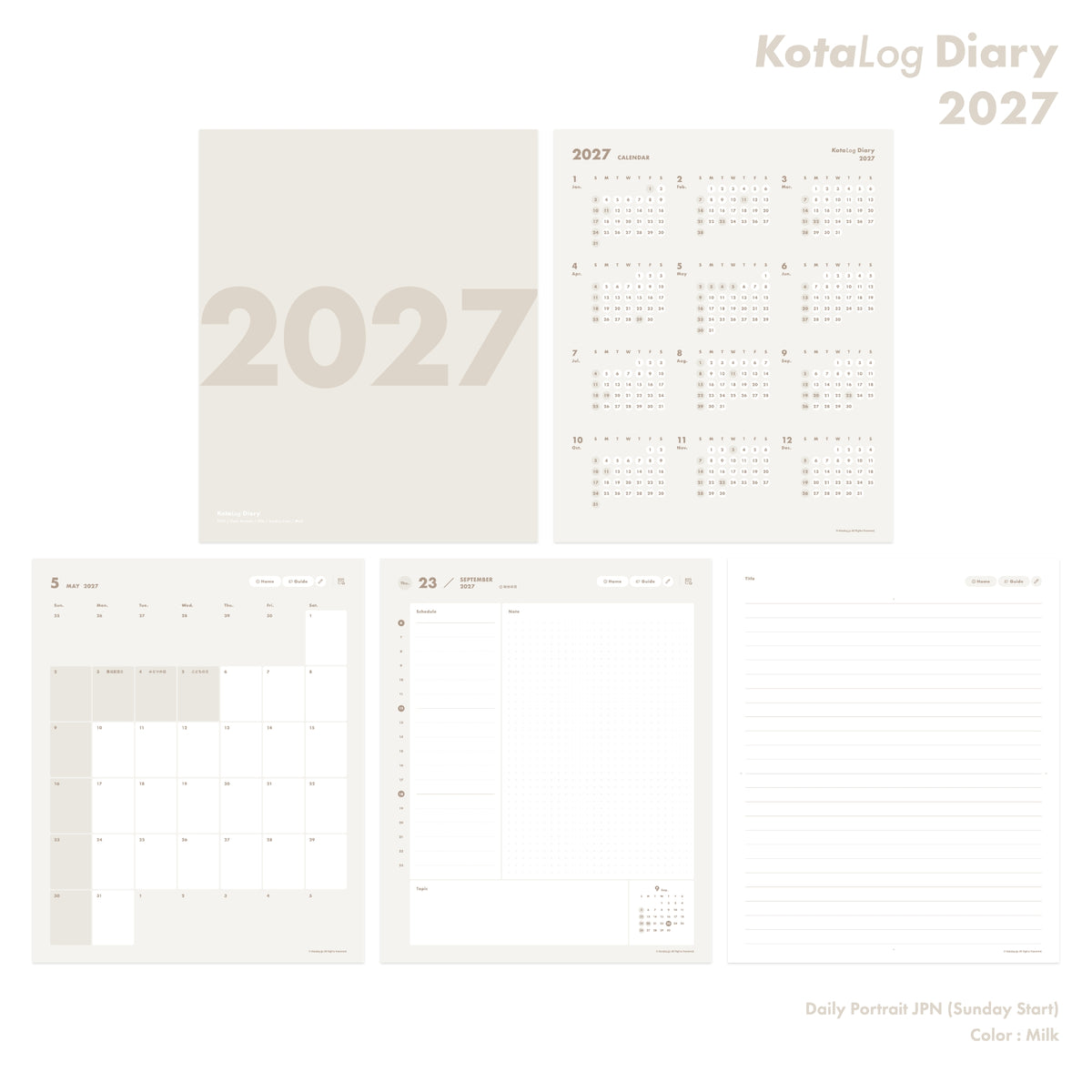
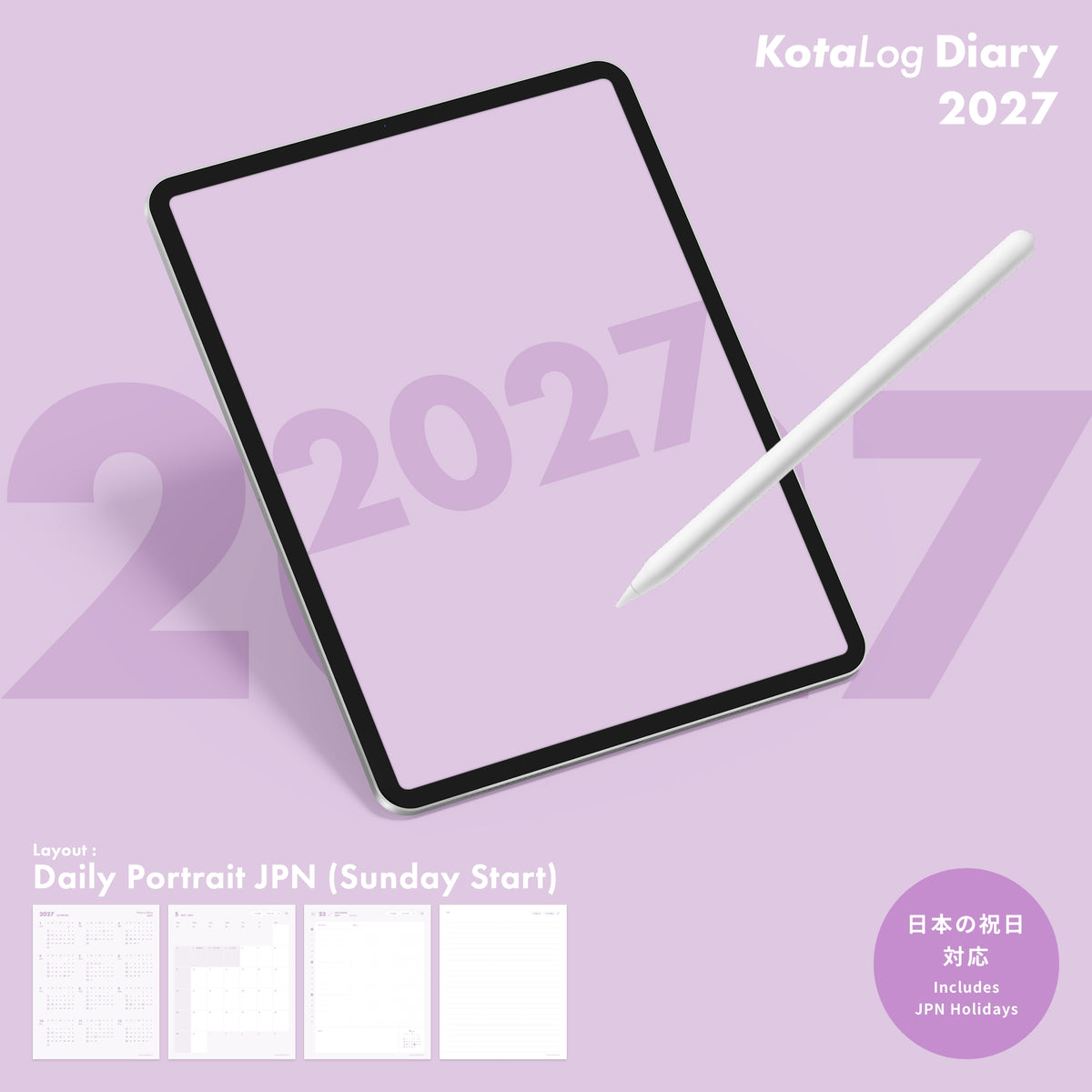
[ Daily Portrait | Japanese Holiday Version ]
A portrait-oriented layout designed for recording daily schedules and notes in detail.
● Portrait Type
● January 2027 – December 2027
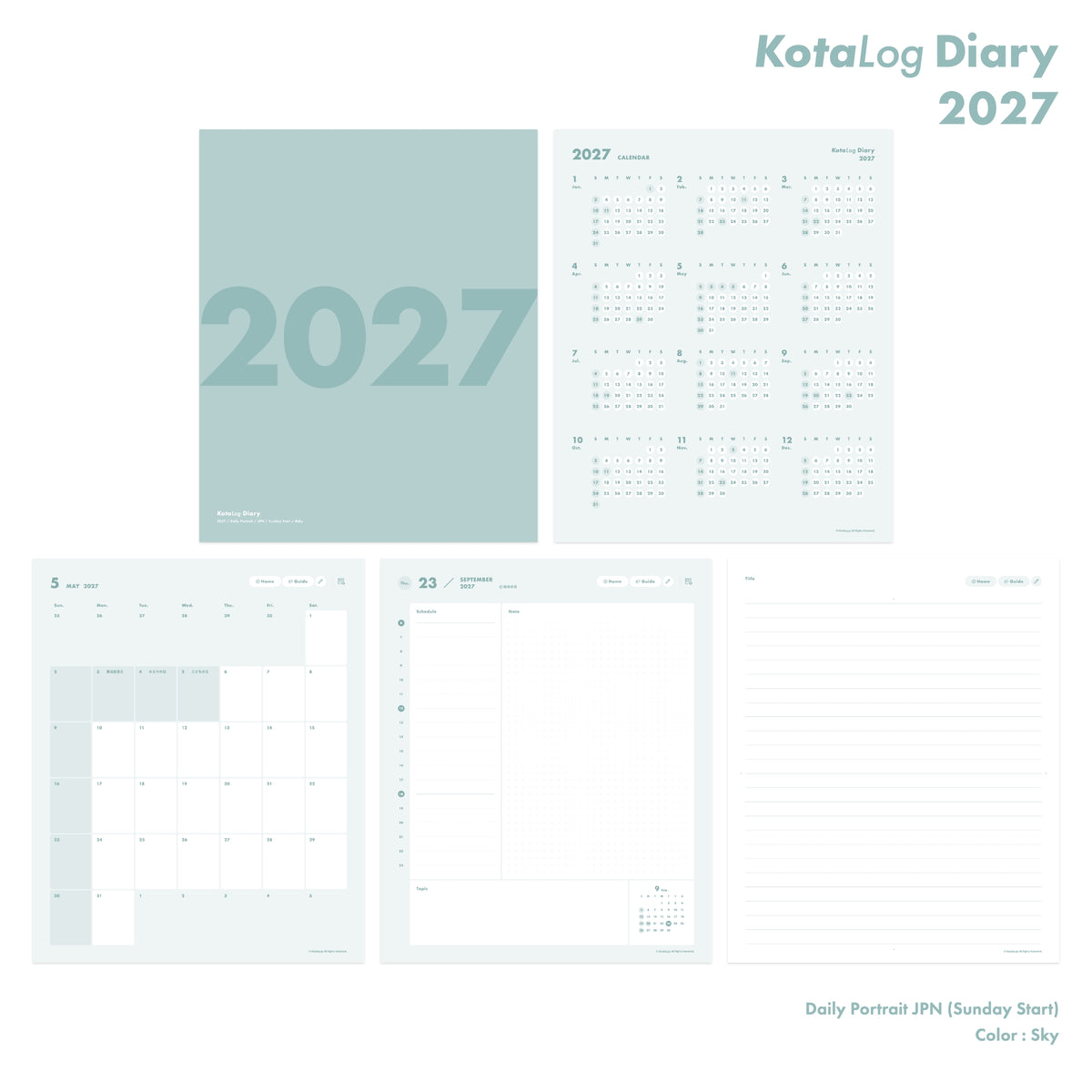
● Includes Japanese holidays
● Page structure: Cover / Yearly / Monthly / Daily / Note
● Hyperlinked for smooth navigation between years, months, and days
● Each page allows you to open Google Calendar for the corresponding period
● Includes Guide Page: Theme colors / Sticker assets / 3 tools
● Data format: PDF
● File size: Approx. 25MB
※ Your purchase is for one digital planner based on the specific combination of layout, color, week-start day, and regional version selected. Changes cannot be made after purchase, so please double-check your selections before ordering.
※ This is a digital product. No physical item will be shipped.
※ This is a one-time purchase.
[ What is KotaLog Diary? ]
KotaLog Diary is a digital planner created by the KotaLog YouTube channel with the goal of making the iPad the ideal notebook. It can be used on iPads as well as a variety of other devices and note-taking apps. Enjoy a new handwriting experience that combines the freedom and richness of a paper notebook with the unique convenience of digital tools.
[ Compatible Devices ]
iPad / iPhone / Android / Windows
※ Requires a note-taking app that supports PDF importing and hyperlinks. Available features may vary depending on the app you use.
[ Main Compatible Apps ]
Goodnotes (Recommended)
Noteshelf 3 / Noteshelf 2
Flexcil
Notion (Note+)
ZoomNotes
Apple Notes
Apple Preview
[ Please read before purchasing ]
※ Reproduction, modification, imitation, secondary distribution, transfer to third parties, resale, or distribution of printed versions of any or all parts of this product is prohibited, except for personal use.
※ Due to the nature of this digital content, we do not accept returns, refunds, or exchanges after purchase.
※ We are not responsible for any malfunctions or damage to equipment or software caused by the use of this product. Thank you for your understanding.
Choose options
The best of both analog and digital.
Making things more fun and easier.
Write anywhere you like, just like a paper planner, and find it instantly, thanks to digital convenience.
KotaLog Diary is a digital planner that combines the richness of a one-year paper notebook with the ease of digital technology.
Write your schedule, keep records, and look back. We make daily "writing" more enjoyable and effortless.

A book all your own, with 192 combinations to choose from.
Four layouts, 12 colors, two start-of-week options, and two regional versions. You can choose the perfect one to suit your needs and preferences.
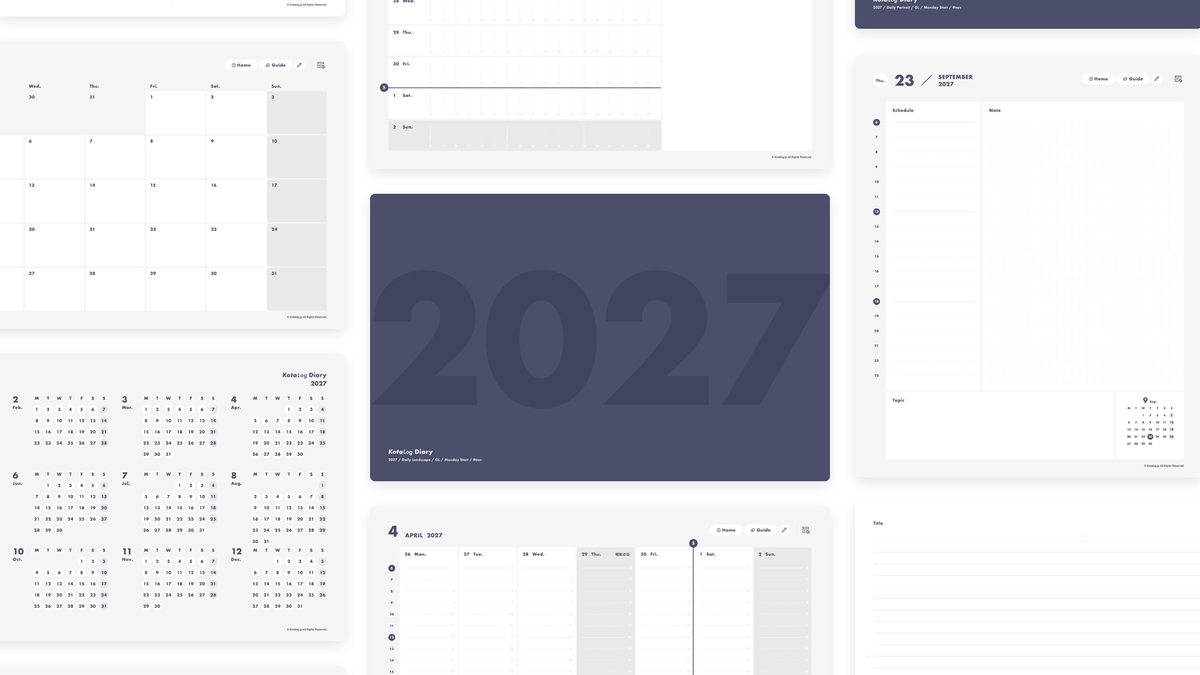
A simple design that stays organized even when you write in it.
Since the layout uses ruled lines, it looks neat even when you write down a lot of appointments or span them across dates and times.
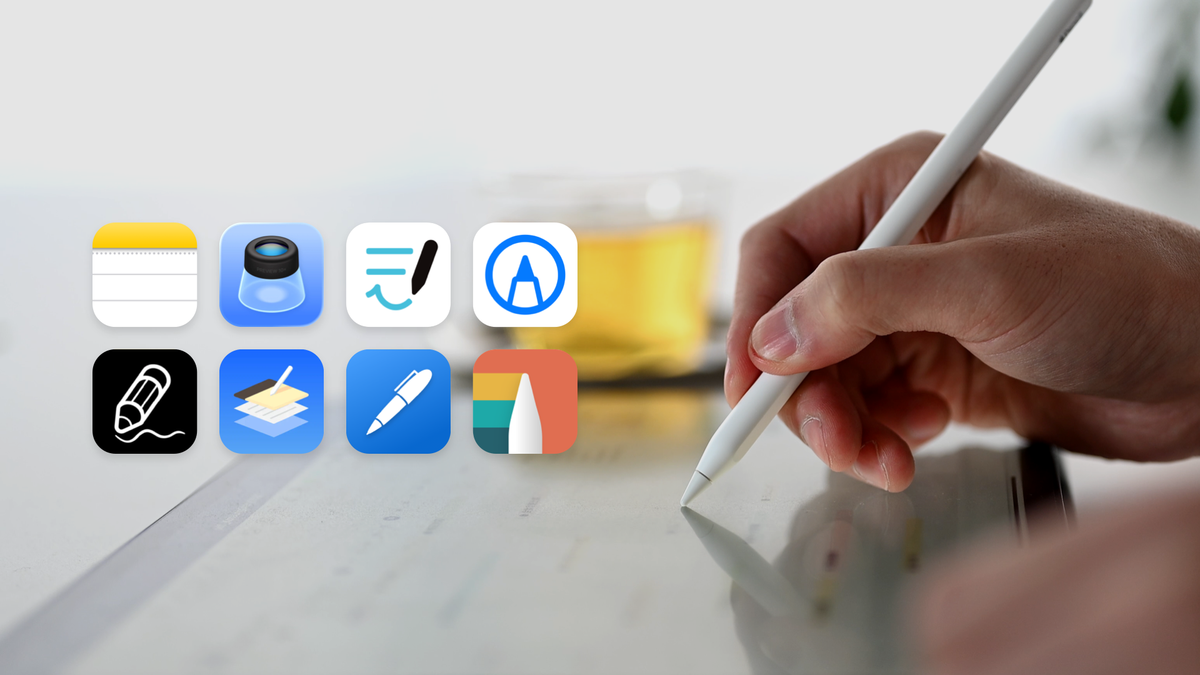
On your favorite device, with your favorite app.
Because it is in PDF format, you can use it on any device. As long as you have a note-taking app that supports PDF imports and hyperlinks—such as Goodnotes—you can get started on the device you are already familiar with.

Hyperlinks connecting years, months, weeks, and days
From the Yearly page, you can navigate to months, weeks, or days with a single tap. The Weekly version includes over 800 links, while the Daily version contains more than 3,000.

Get along with Google Calendar, too
You can open the Google Calendar for the same period as the page you are currently viewing by clicking the icon on each page. This allows you to use your handwritten planner and digital schedule management side by side.
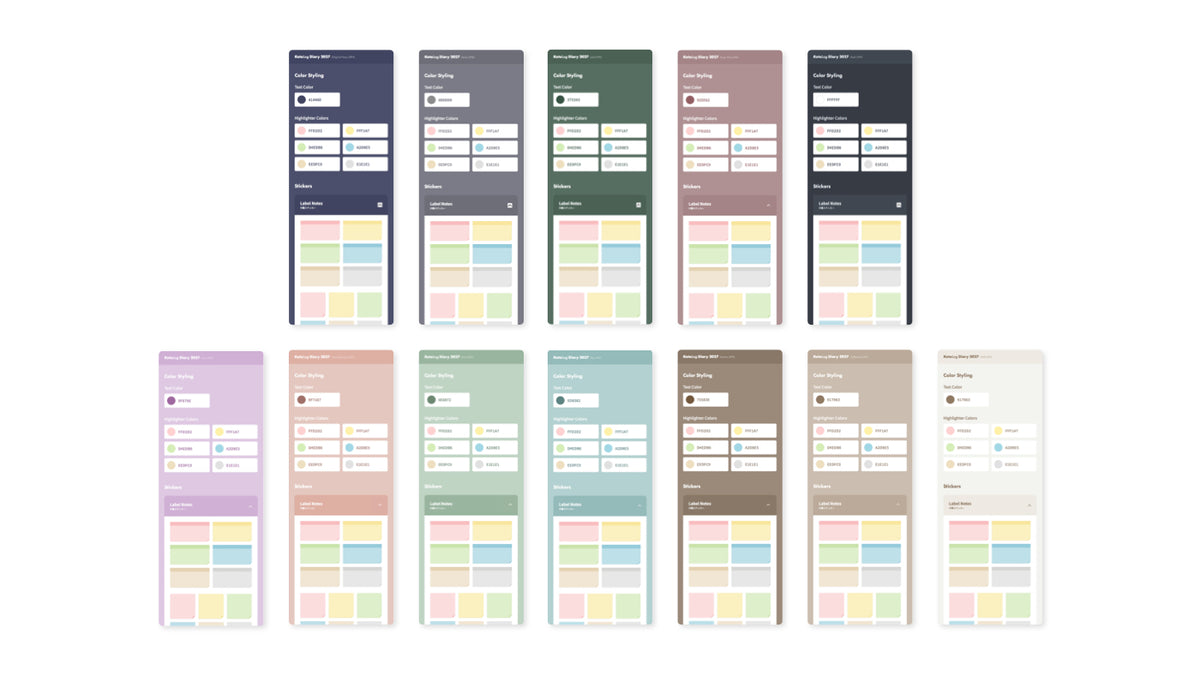
A guide page organized by theme color
We provide pens and highlighter colors that blend well with your planner, sticker materials, "NOW" and "TODAY" current position markers, and home screen icons, all coordinated by color.
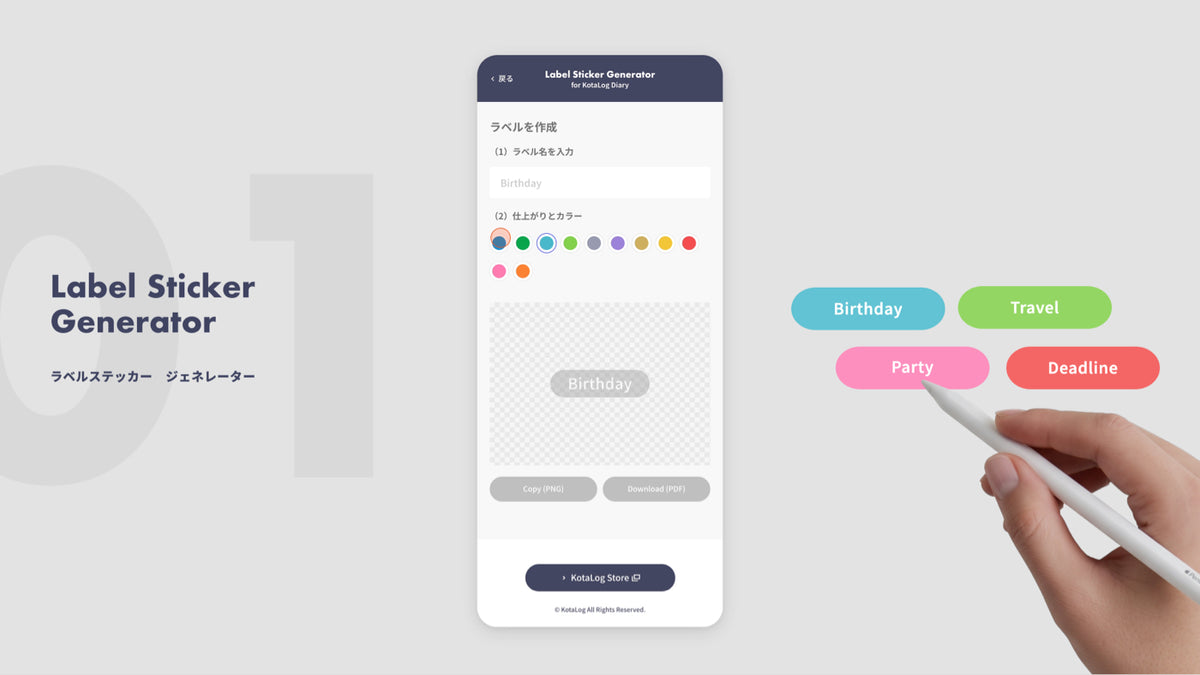
Label stickers with your favorite words
Simply enter text, choose a color, and copy and paste. By organizing your important dates, like birthdays and anniversaries, you can create your very own calendar.
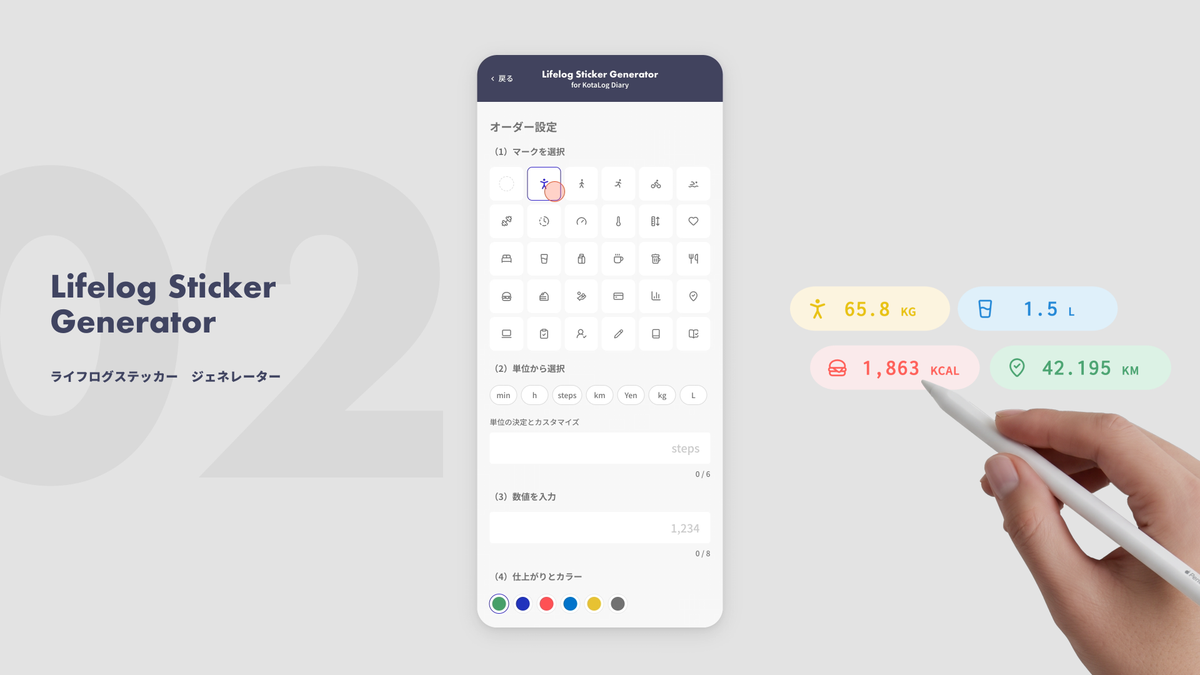
Turn your daily records into life-log stickers
Step count, distance, expenses, weight. Use stickers with icons and units to make your records easy to see at a glance. Stick them on your weekly page to create your own little dashboard.

Today's Question gives you a reason to write
Each time you open the app, a single small question is displayed. By writing to answer it, it becomes easier to continue your diary or journaling habit. It contains enough questions for about two years.